ArchiSpark is a full-stack ArchiMate 3.1 platform — web UI, REST API and an MCP server that lets Claude or any LLM create, query and manage your models through natural language.
Screenshots
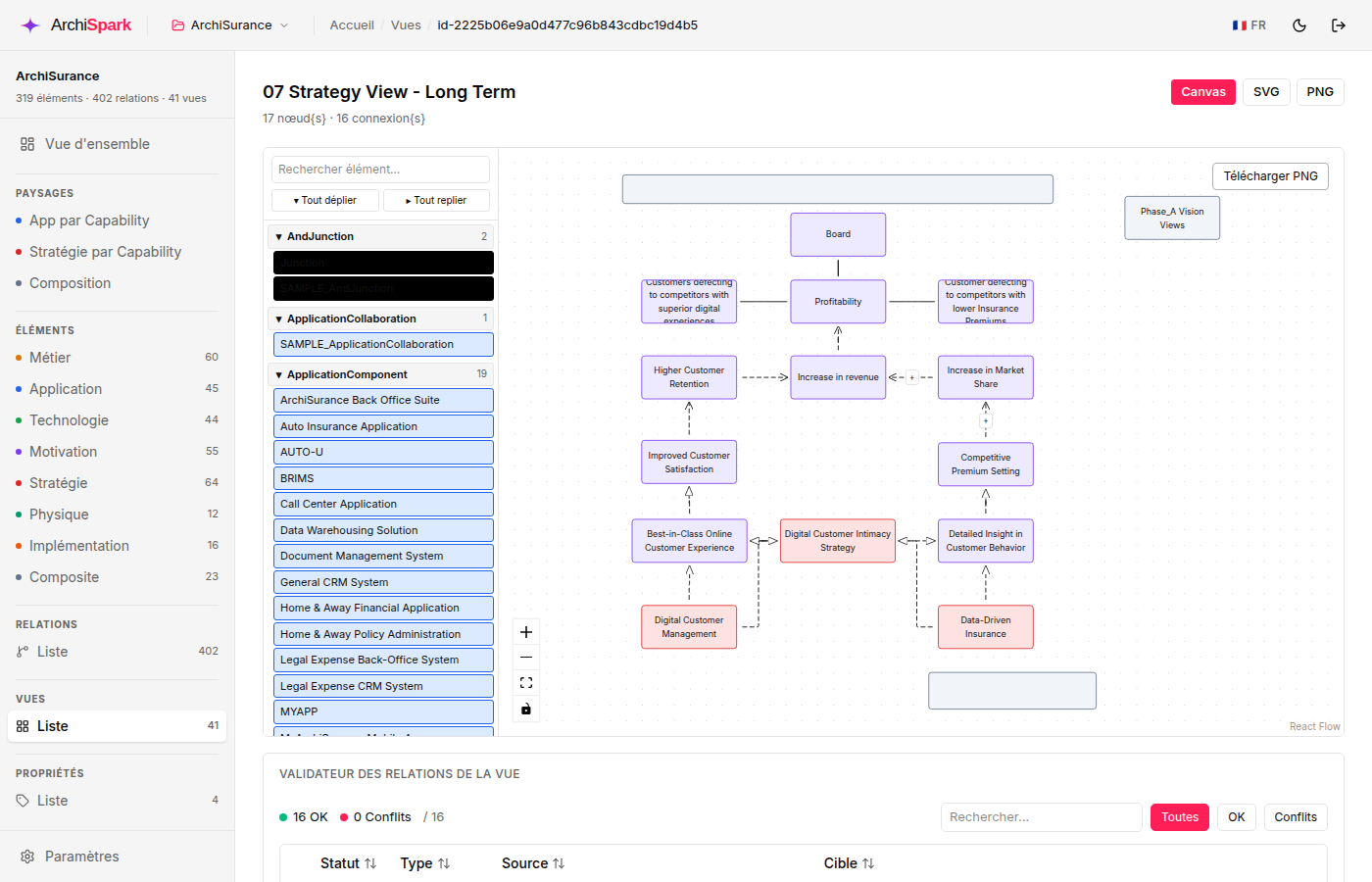
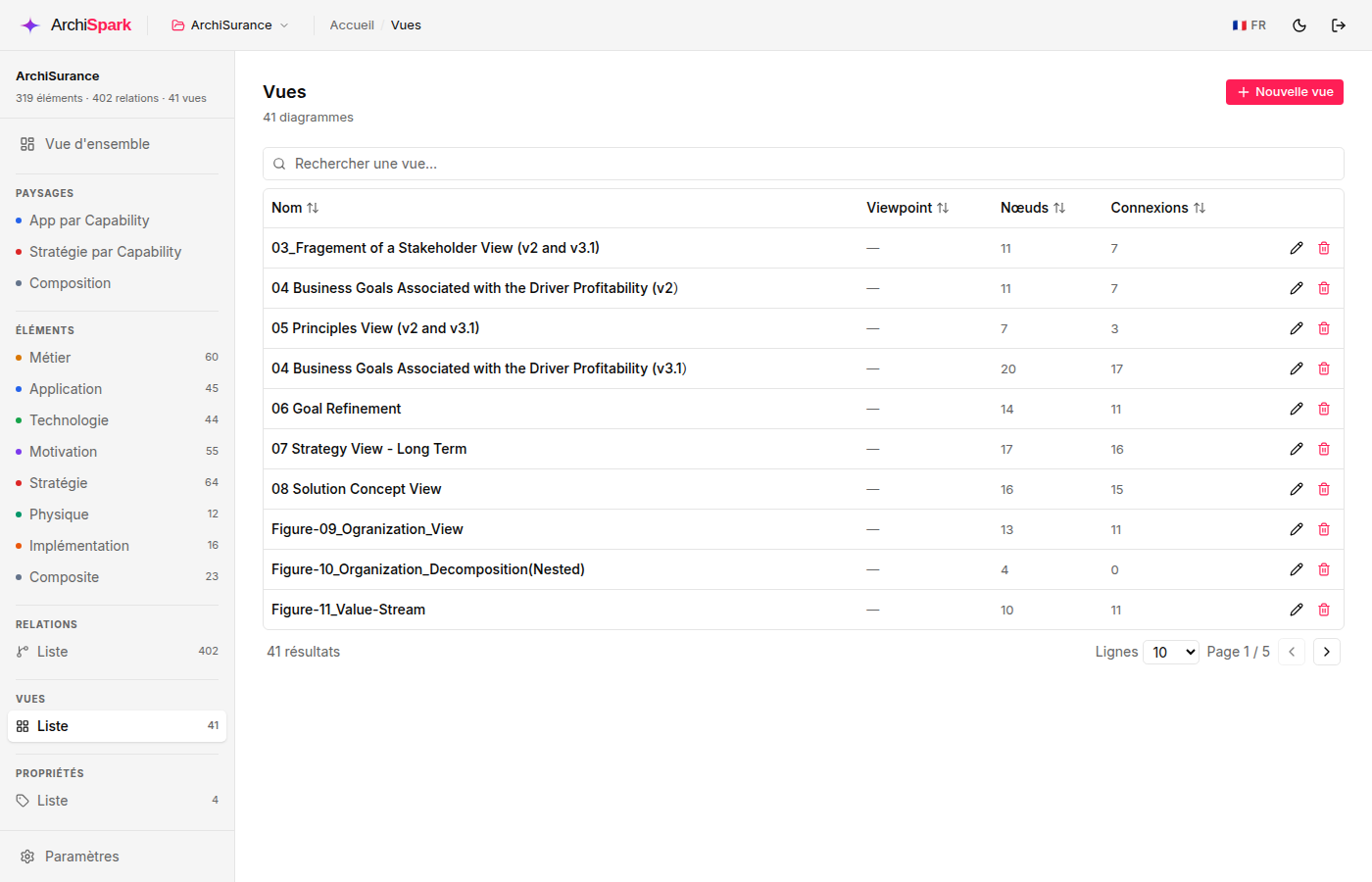
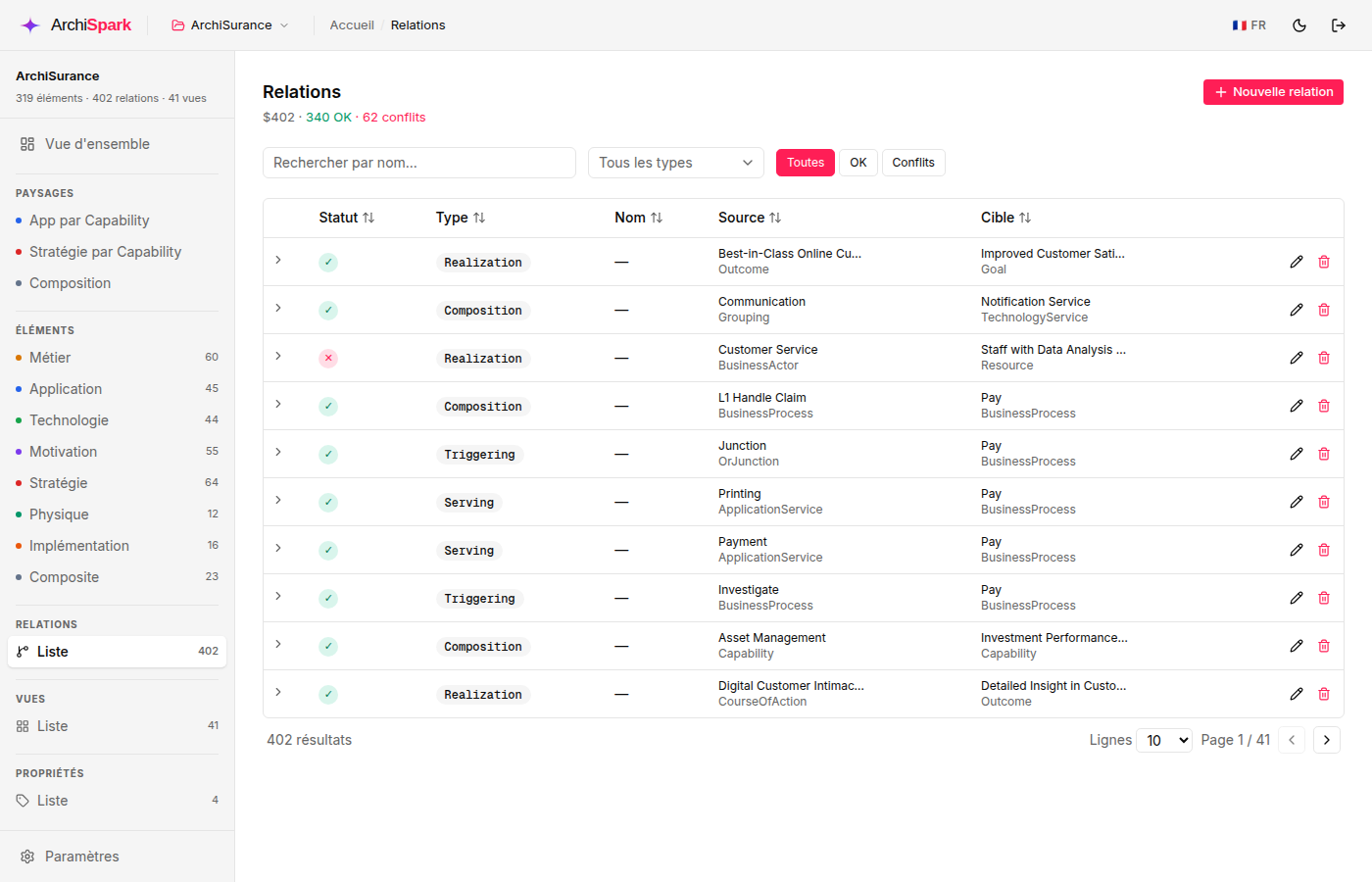
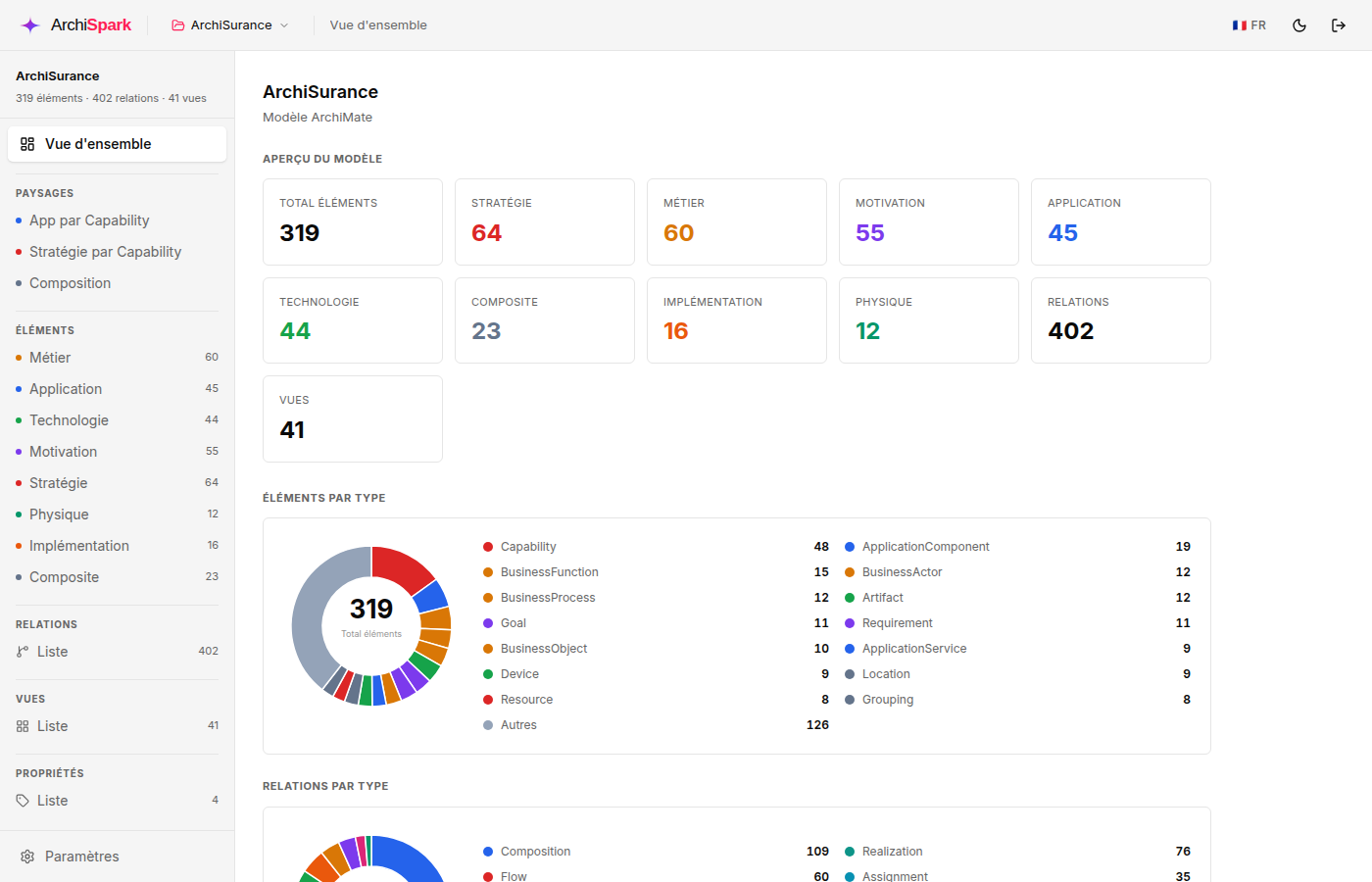
A real ArchiMate model — 320 elements, 413 relationships, 41 views. Interactive canvas, validation and analytical landscapes built in.
Features
Everything your team needs to make EA a living, queryable practice.
Connect Claude or any MCP agent. 38 tools let AI create workspaces, model elements, query views and export AOEF through natural language.
Full roundtrip import/export with Archi, BiZZdesign and Sparx EA. Drag and drop an XML file. Your models are never trapped.
Drag, resize and connect nodes in the browser. ArchiMate shapes rendered with layer colors per the specification.
Every relationship checked against ArchiMate 3.1 rules. Conflicts flagged in real-time with suggested alternatives.
Fine-grained RBAC per ArchiMate layer. Admins, architects and read-only users each get the right permissions.
App-by-Capability and Strategy-by-Capability views generated automatically. Coverage gaps flagged in red.
Manage multiple models side by side. Switch the active workspace in one click.
Every element on the canvas shows its ArchiMate notation icon — business, application, technology and motivation layers, all rendered per spec.
Every view exports to SVG or PNG directly from the canvas. A ZIP endpoint bundles the full XML model plus all views in one download.
Filter elements by type and name. Relationships filtered by type, source or target. Results update instantly.
The web interface ships in 5 languages — English, French, Spanish, German and Italian. Switch instantly, preference saved per browser.
MCP Server
ArchiSpark ships a Streamable HTTP MCP server exposing 38 tools — full API parity. Point Claude at it and describe your systems — it creates elements, relationships, views and renders diagrams, all through natural language.
# Claude Desktop / Claude Code config
{
"mcpServers": {
"archispark": {
"url": "http://localhost:3001/mcp/",
"headers": {
"Authorization": "Bearer <your-token>"
}
}
}
}
# Then ask Claude in natural language:
"Create a BusinessActor 'Customer',
an ApplicationComponent 'CRM',
and a Serving relationship." Quick Start
Three commands. Then open the web UI and start modeling.
Requires Node.js ≥ 22, pnpm, PostgreSQL and Redis.
git clone https://github.com/archispark/archispark
cd archispark && pnpm install API on :3000 (Swagger at :3000/docs), MCP on :3001, Web on :8000.
pnpm dev Default credentials: admin / admin. Import an AOEF file or let AI build your model.
open http://localhost:8000 ArchiSpark is open source. Connect your AI agent, import an existing model or describe your systems from scratch.